
Simple and secure
Ship and pick up at your convenience
Send or collect your parcel quickly and easily? You can – with a DHL Locker. Chances are, there’s one near you. They’re accessible at any time of day, and some are even available 24/7. No need to stay home waiting for the delivery. You’ll find the DHL Lockers in handy locations like supermarkets, gas stations, and sports clubs.
How do I pick up my parcel at a DHL Locker?
When your parcel is delivered to one of our lockers, we will send you an email, text or message in the My DHL app that will include a unique collection code. You then have five days to pick up the parcel. Please contact DHL Customer Service with any questions. We will be happy to assist you.

How to pick up a parcel
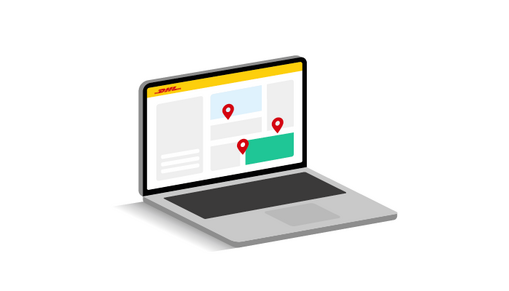
1. Select a locker
In the webshop, choose a DHL Locker near you as the delivery option. Is that option not listed? Then you can easily arrange it after checkout using track and trace or the My DHL app.
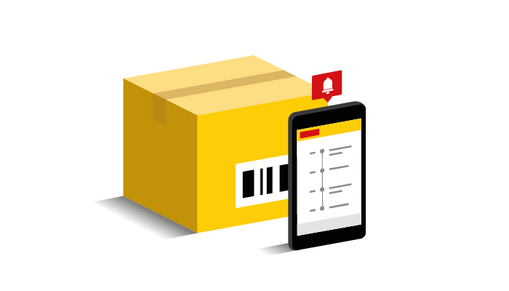
2. Wait for our notification
We will let you know when your parcel is ready via track and trace or the My DHL app.
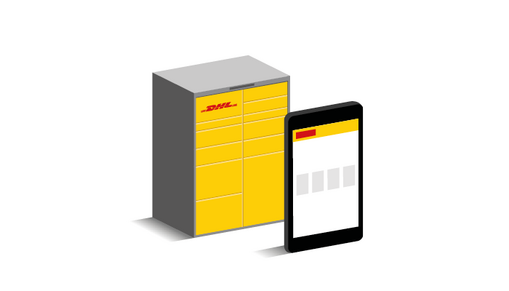
3. Use your code to open the locker
The code we send is unique to you, which means you are the only one who can access the locker containing your parcel. Be sure to pick up the parcel within five days - otherwise it will be returned.
How do I send my parcel using a DHL Locker?
In addition to collecting parcels, you can also send or return parcels using a DHL Locker. You can do this with a shipping or return label attached to your parcel, or, as of recently, with a QR code.

How to send a parcel
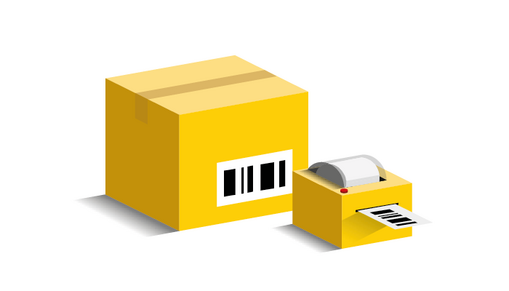
1. Shipping label or QR code
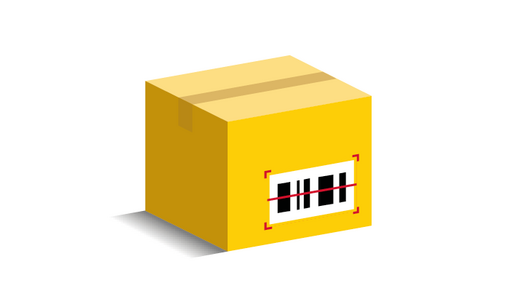
Attach the shipping label to your parcel or download your digital QR code.
2. Scan the barcode or QR code
Go to a nearby DHL Locker and scan the barcode on your shipping label. Only have a digital QR code? Simply scan it using the locker screen. Then select the locker size you need.
3. Close the locker and confirm
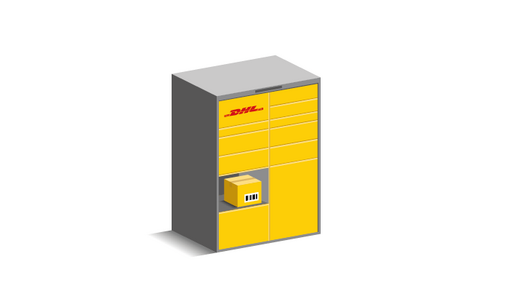
Place your parcel in the locker, close the locker door, and tap 'Confirm'. You'll receive your proof of drop-off by email immediately. Our courier will collect your parcel shortly.
4. Sending multiple parcels?
Simply repeat the process for each parcel.
Label-free shipping via a DHL Locker
Sending a parcel via a DHL Locker is now faster and easier than ever. There’s no need to print labels thanks to our label-free shipping option. Simply scan the QR code at the locker and place your parcel in the compartment that opens automatically.

My DHL app
Set your delivery preferences
Not at home and want to change your delivery? Or would you like to set a fixed delivery preference for all your parcels, such as a nearby DHL Locker? In the My DHL app, you can easily set your preferences. Go to your profile (top right in the app) and select ‘Delivery preferences’. Changed your mind? You can update your preference at any time in the app.


Do you want a DHL Locker?
The DHL Lockers are becoming more and more common. They provide an easy way for local residents to receive and send parcels. Are you a business owner and interested in having a DHL Locker in or around your business? Click the button below.
FAQ
You can send your parcel from a DHL store or leave it in a parcel station to be sent later. With 5000 points in the Netherlands, there's sure to be one near you. Find your DHL ServicePoint.
The DHL Locker is very easy to use. When your parcel has been delivered, you will receive a unique code that allows you to collect it. Want to send a parcel? Simply attach the shipping label to your parcel and scan the barcode at the locker. Don’t have a printer? Download the QR code and scan it at the DHL Locker screen instead.
Your parcel will remain in the DHL Locker for a maximum of five days. After that, your shipment will be returned to the sender.
If you can't retrieve your package from the DHL parcel machine because you don't have the pickup code, follow the steps below.
If you send a parcel using a DHL Locker, you will receive a receipt by e-mail or text message. Check your spam to make sure the receipt didn't end up in your unwanted e-mails. You can also track your shipment via track and trace or the My DHL app.
Didn't receive a receipt? Please contact customer service.
If you're quick, you'll be able to open the locker again with the same code. If this doesn't work, please contact customer service.
Our DHL Lockers are emptied twice a day from Monday to Saturday. However, it is possible that a locker is full.
Receiving a parcel
Should your parcel be delivered in a DHL Locker which turns out to be full, we will move to an alternative DHL point nearby. We will inform you about this by e-mail or with a nofication in the My DHL app. You will also find this new location on track and trace.
Sending a parcel
Do you want to send a parcel using a DHL Locker and does it turn out to be full? Find another locker or DHL ServicePoint nearby.
If the parcel you are expecting does not fit in the DHL Locker you selected as your delivery preference, we will deliver it to a nearby DHL ServicePoint instead. In many cases, this is already identified during the sorting process, which means there is usually no delay to the delivery.