
Send your parcel quickly
Send your parcel quickly
Whether you’re at home or on the go, you can easily and quickly create a DHL shipping label via the My DHL app, online, or at a DHL ServicePoint. Print the label at home or choose the QR code option if you don’t have a printer. That way, your parcel is ready to send in no time.
Print your label or ship without printing
At DHL, both options are possible! If you print the shipping label, simply attach it to your parcel. Don't have a printer at home? Then choose the 'QR code' option during checkout. You can have the code scanned at a DHL ServicePoint or scan it yourself at a DHL Locker using the screen.

How to create a shipping label?
In the Mijn DHL app
- Open the Mijn DHL app
- Select 'Send'
- Choose the parcel size
- Enter the details
- Optionally add extra services
- Pay for the label via iDEAL or credit card
- Print the label or download the QR code
Online via My DHL Portal
- Open My DHL Portal
- Choose the parcel size
- Enter the details
- Pay for the label via iDEAL | Wero or credit card
- Print the label or download the QR code
At a DHL ServicePoint
- Find a DHL ServicePoint near you
- Hand in your parcel at the counter
- The ServicePoint employee will enter the shipment details
- Pay for your shipping label
Ready to send a parcel?
Our shipping rates
Our shipping rates
Envelope
From €3.70
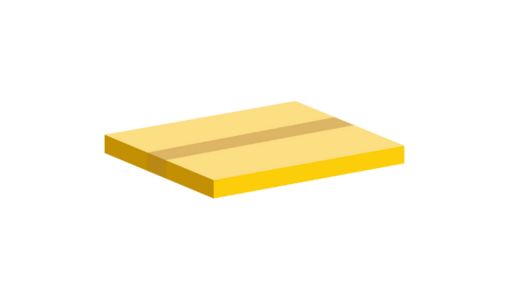
Mailbox parcel
From €3.95
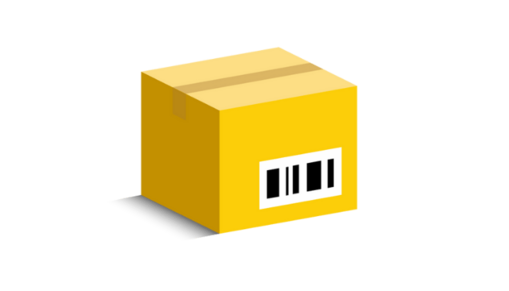
Parcel
From €6.05
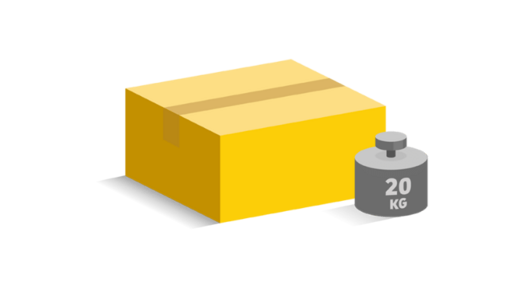
Large parcel
From €15.20