
How does shipping without a label work?
Sending a parcel without printing a label is easy:
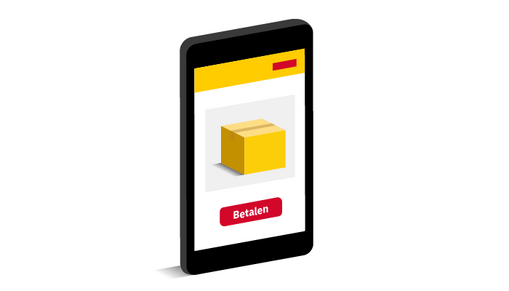
1. Purchase your shipping label online
Create your shipping label using the online shipping tool My DHL Portal or the My DHL app. Enter the recipient's details and pay for your label.
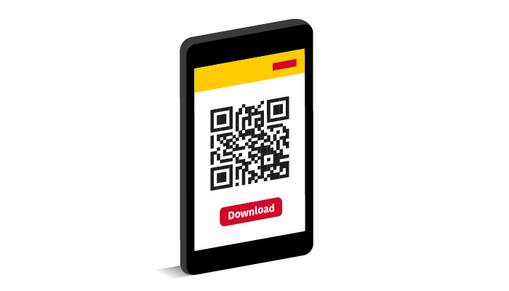
2. Download the QR code
After completing your payment, select ‘Download QR code.’ Save the QR code or open it directly in your browser.
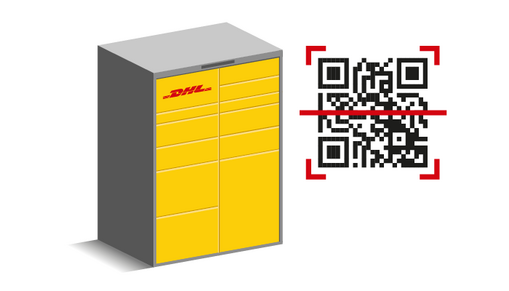
3. Visit a DHL Point
Take your parcel to a DHL ServicePoint or Locker. At a Locker, scan the QR code on the screen yourself. At a DHL ServicePoint, simply show the QR code to a member of staff who will scan it for you.
4. Ship your parcel using the QR code
Drop your parcel into the locker or hand it to the ServicePoint employee. We'll make sure your parcel is safely on its way to the recipient.
How do you return a parcel without a shipping label?
Returning a parcel using a QR code is only possible if the webshop provides you with one. Didn't receive a digital QR code from the webshop? Simply follow the webshop's return instructions instead.
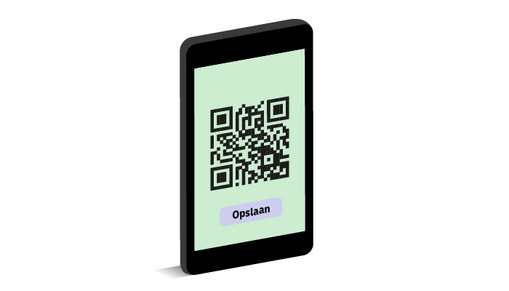
1. The webshop sends you a QR code
Open the QR code on your phone or directly from your email.
2. Visit a DHL ServicePoint or Locker
At a DHL Locker, scan the QR code on the screen. At a DHL ServicePoint, a member of staff will scan the QR code for you.
3. Return your parcel using the QR code
Drop your parcel off at the Locker or hand it to a DHL ServicePoint employee.
Why choose shipping with a QR code?
DHL eCommerce is the only parcel carrier in the Netherlands that allows you to send both new parcels and return parcels without printing a shipping label. Simply use a QR code. It's convenient and offers several benefits:
• No printer required — just your phone
• Ready to ship within minutes
• Easily arranged via the online shipping tool or the My DHL app
• Ideal when you're on the go
• Also available for returns

Ship your parcel via a DHL Locker or ServicePoint
Ready to send your parcel? There’s always a DHL Locker or ServicePoint nearby. With the DHL Locator, you can easily find the nearest location where you can send your parcel without needing to print a label. You can also view the opening hours right away. Many DHL Parcel Lockers are open 24/7!

FAQS
A DHL courier will collect your parcel from the DHL Locker. The courier will then attach a shipping label to the parcel. After that, the parcel will be sent to the recipient. You can track your parcel at all times using Track & Trace.
At any DHL Locker or DHL ServicePoint. Use the DHL Locator to easily find the nearest location where you can send your parcel without printing a label. Please note: the QR code does not work at De Buren parcel lockers.
Your QR code remains valid until it is scanned at a DHL Locker or ServicePoint. Each QR code can only be used once.
Yes. If you choose to use the QR code, an additional €0.10 will be charged on top of the shipping label price. If you return a parcel using a QR code, no additional charges apply.